
Geocaching The Oodnadatta Track
Geocaching is a fun thing to do while travelling the Oodnadatta Track. What is it and how do you do it? Read on!
With a handheld GPS or a smartphone (like an iPhone with built-in GPS), you can search for hidden “caches” that other players have placed outdoors. Once you find one, sign the logbook, update your stats online, and move on to the next cache. In case you’re wondering, our geocaching handle/name is “followourtravelsau”.
Table Of Contents
How Many Geocaches Are On The Oodnadatta Track?
Between Farina and Marla there are currently over 30 geocaches hidden. We’ve managed to find 11 of them. They’re hidden in a multitude of different locations, ranging from cemeteries to bridges to disused railway sidings. They’re everywhere.
The Oodnadatta Track is ideal for geocaching as many of the caches are hidden near great camping spots and points of interest. You’re out of the car to have a look at something or camp the night, both awesome opportunities to go for a walk and pick up a cache.Lots of the caches are in places of historical importance so have read about the cache in the app and learn some cool new stuff.
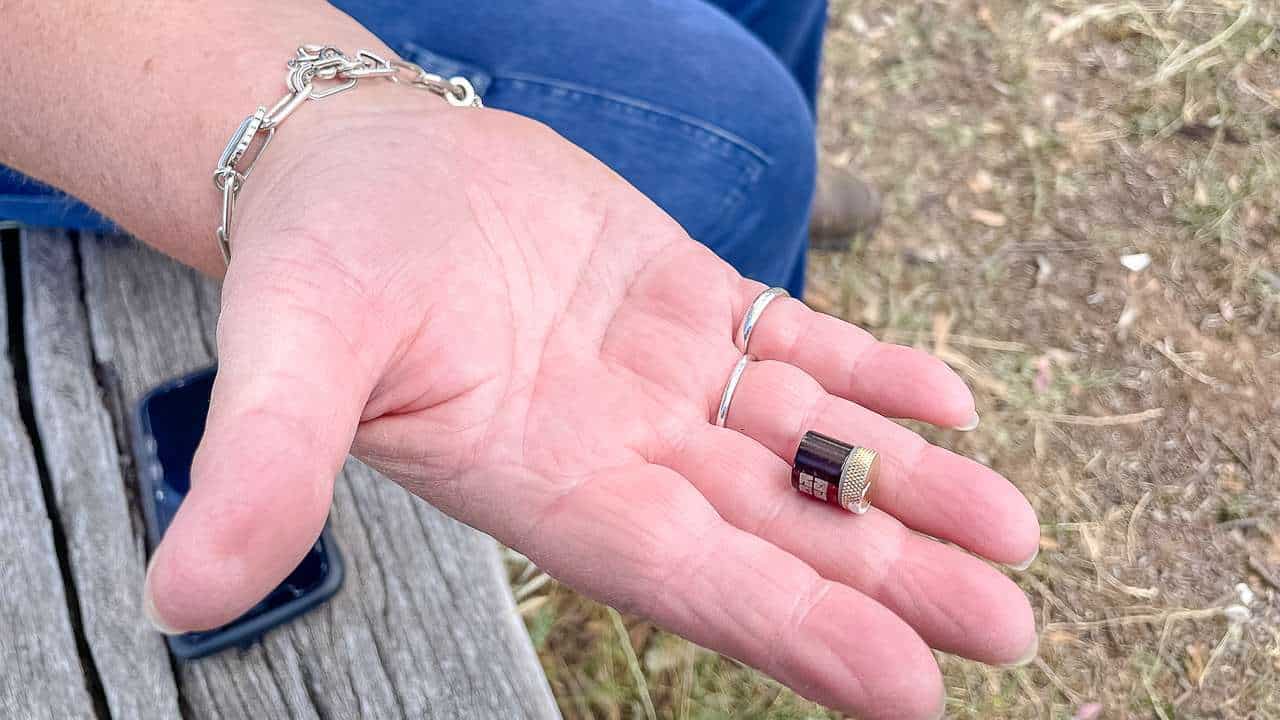
That’s How Small A Nano Sized Geocache Is
How To Get Started Geocaching
- Create a free Basic Membership account at Geocaching.com
- Download the free version of the Geocaching app from iTunes or the Google Play Store
- Sign in to the app with your Geocaching.com account
- Tap ‘Find Nearby Geocaches’ to view a map of your area
- Choose a nearby cache (shown as small green, orange, or blue icons)
- Press ‘Navigate to Cache’ to bring up a compass and the distance to the cache in metres
- Locate the cache and sign the logbook
- Log your discovery in the app by tapping ‘Found it!’
- Keep in mind: the free ‘Intro’ version only allows you to find four geocaches before you’ll need to purchase the full app for $9.95.
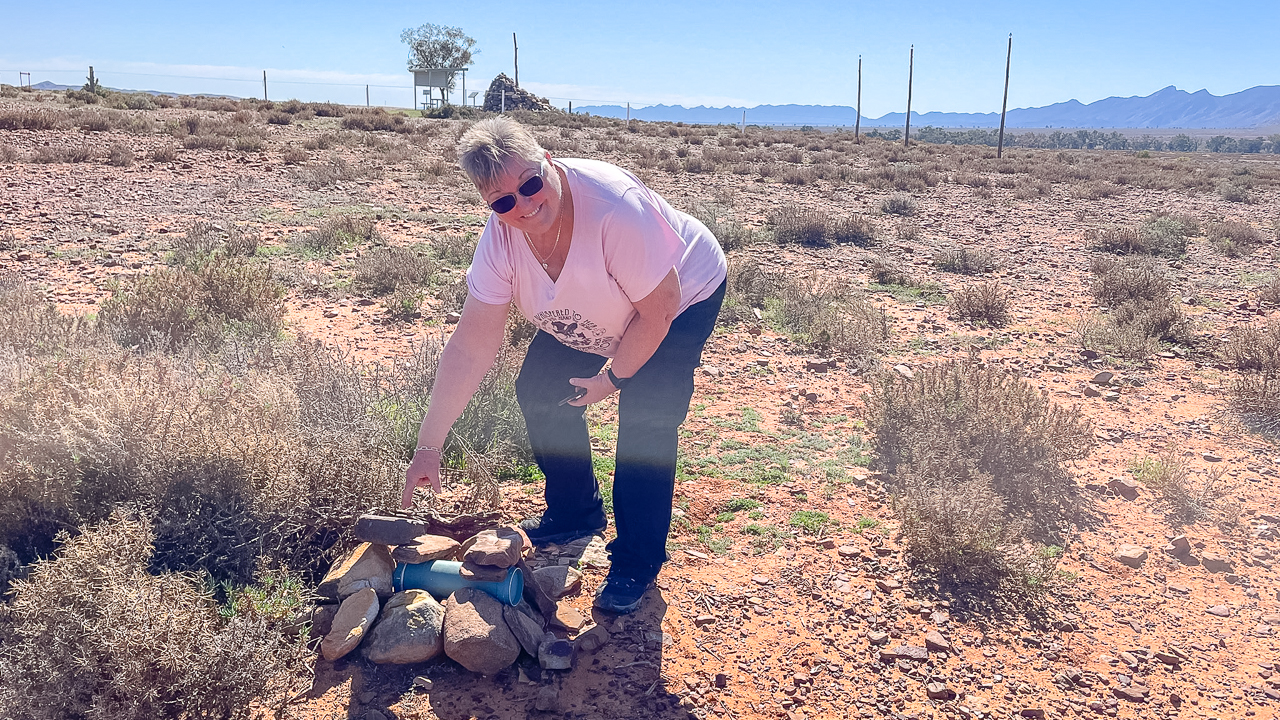
Amanda With An Oodnadatta Track Geocache
Geocaching The Oodnadatta Track Without An Internet Connection?
Yes and no. Until a year ago, we relied on our phones’ connections while geocaching. There’s not a lot of coverage on the Oodnadatta Track.
However, you can download geocache maps to your phone in advance. Using the maps in this way can be hit and miss – we found it difficult. We often check the previous logs when looking for a cache for hints and tips and you can’t do this without a connection.
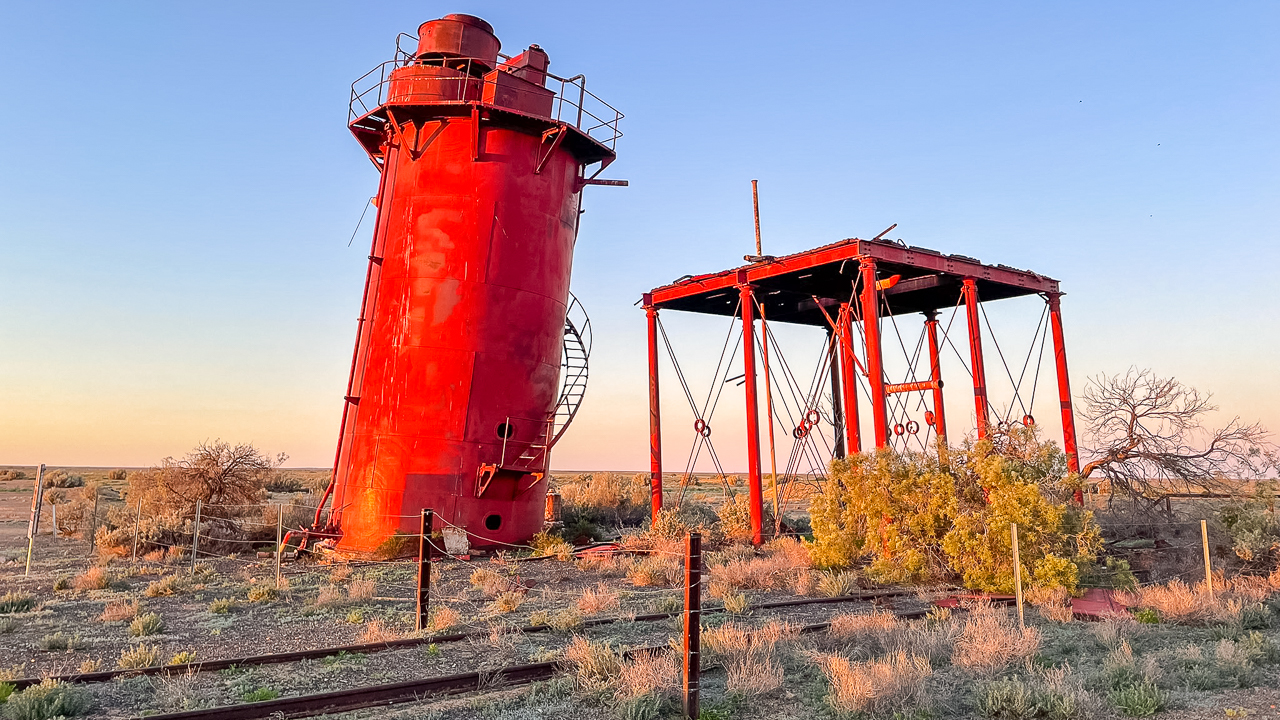
Geocache Is Somewhere Around Here At Curdimurka Siding
Geocaching With Starlink
Fast forward to mid 2025 and we installed a Starlink mini on the roof of our ute. Geocaching just got a whole lot better without a mobile connection! The WiFi signal works up to 50 metres away. We have the $8.50 standby plan most of the time and this is more than fast enough for geocaching.
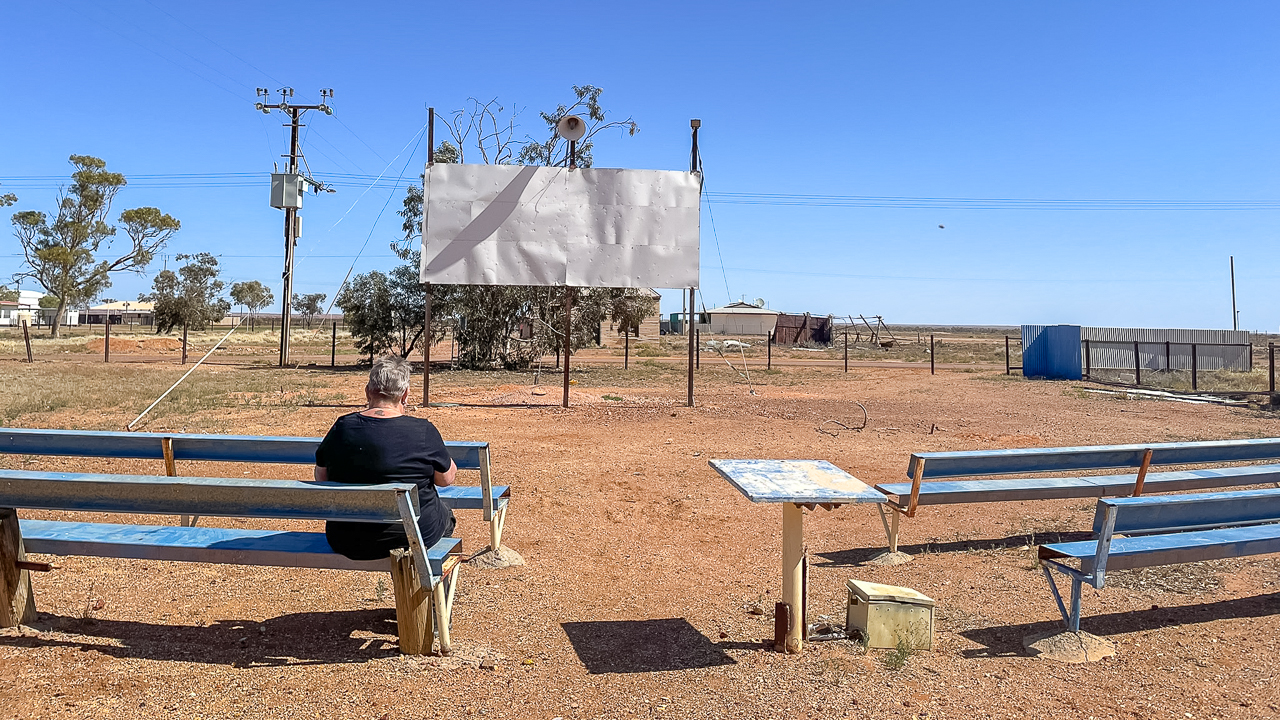
Theres A Geocache Hidden At The Movies In Oodnadatta
What Is Geocaching?
It’s like a high-tech treasure hunt that gets you out exploring – in this case along the Oodnadatta Track! Using GPS coordinates, you go on a mission to find hidden “caches” that other people have stashed away in sneaky spots. Each cache is generally different. It could be tucked away in anything from a tree stump in the bush to a spot behind a road sign. Caches can all look different too – it might be a little Tupperware container or it might be a mint tin or it could be a tiny little tube. In short, it can be anything at all. It’s a great way to see more of the great outdoors and discover places you’d probably never stumble across otherwise. Quite often, they are hidden in spots of historical significance. It’s fun for everyone and kids (and big kids) love it. Whether you’re just looking for something to do for an afternoon or are heading off on a road trip adventure along the Oodnadatta Track. Find and mark off as many caches as you can. Grab your phone and get ready for heaps of fun finding hidden caches.
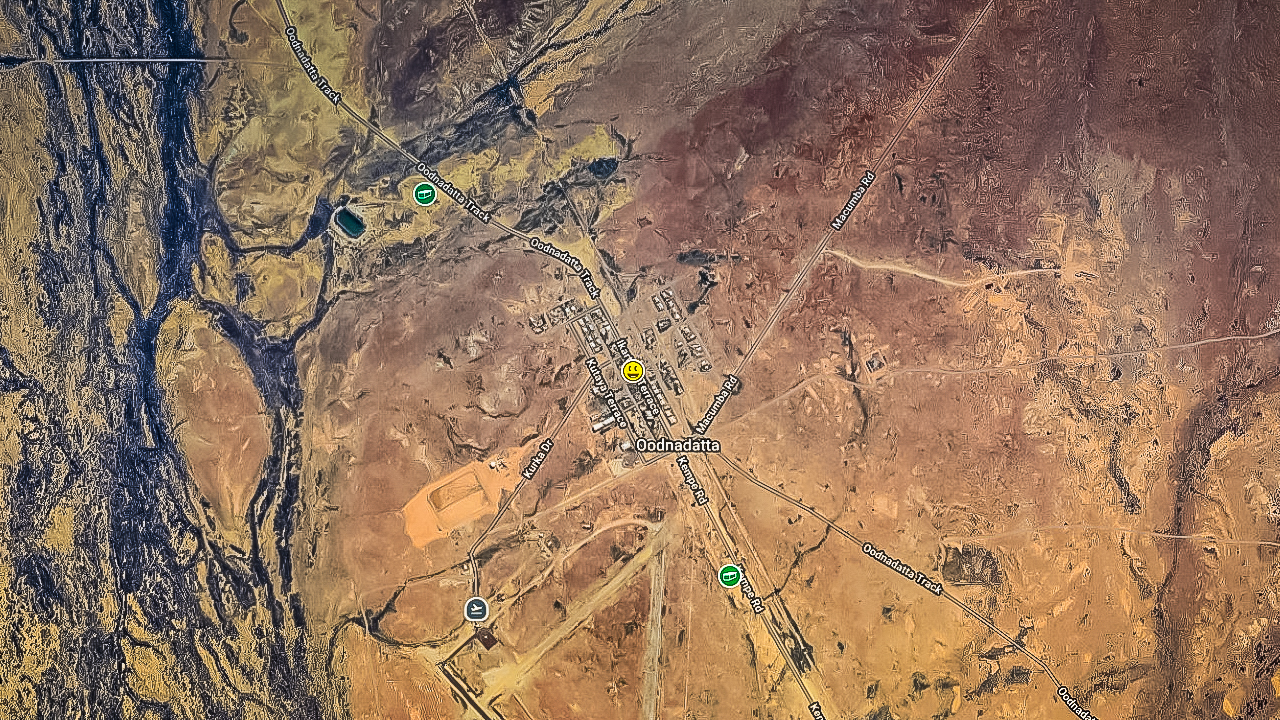
Geocaching Oodnadatta Track Around Oodnadatta